IndustrialBrain Logo

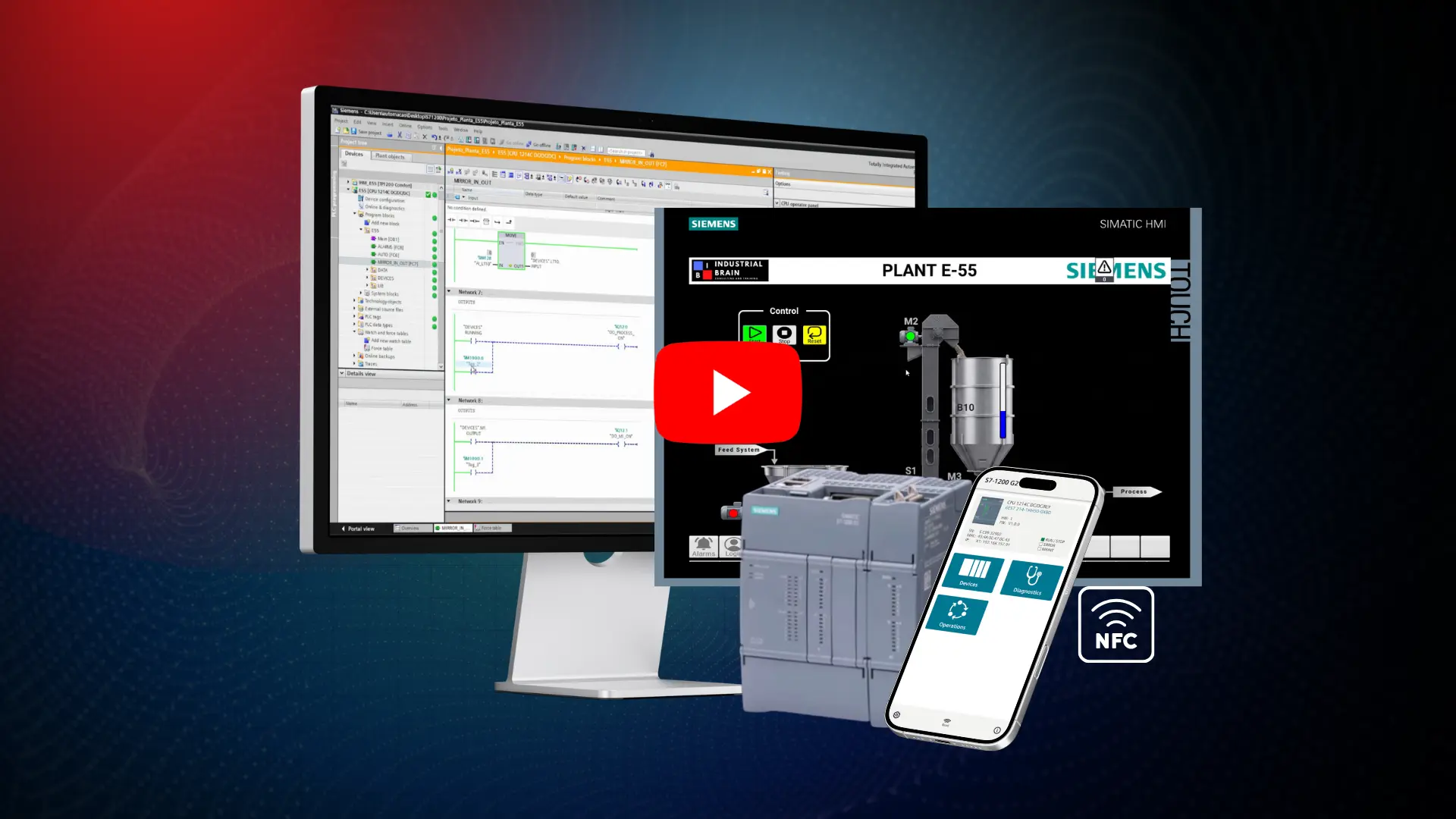
BUILD REAL-WORLD
PLC & HMI PROJECTS
WITH SIEMENS TIA PORTAL

Learn Siemens TIA Portal V20 by building real industrial automation projects.

PLC Programming Β· HMI Development Β· Simulation Β· Troubleshooting

ENROLL NOW

What You'll Learn

Practical Siemens TIA Portal training focused on real industrial automation work.

PLC Programming

Build and structure Siemens PLC projects from scratch.

HMI Development

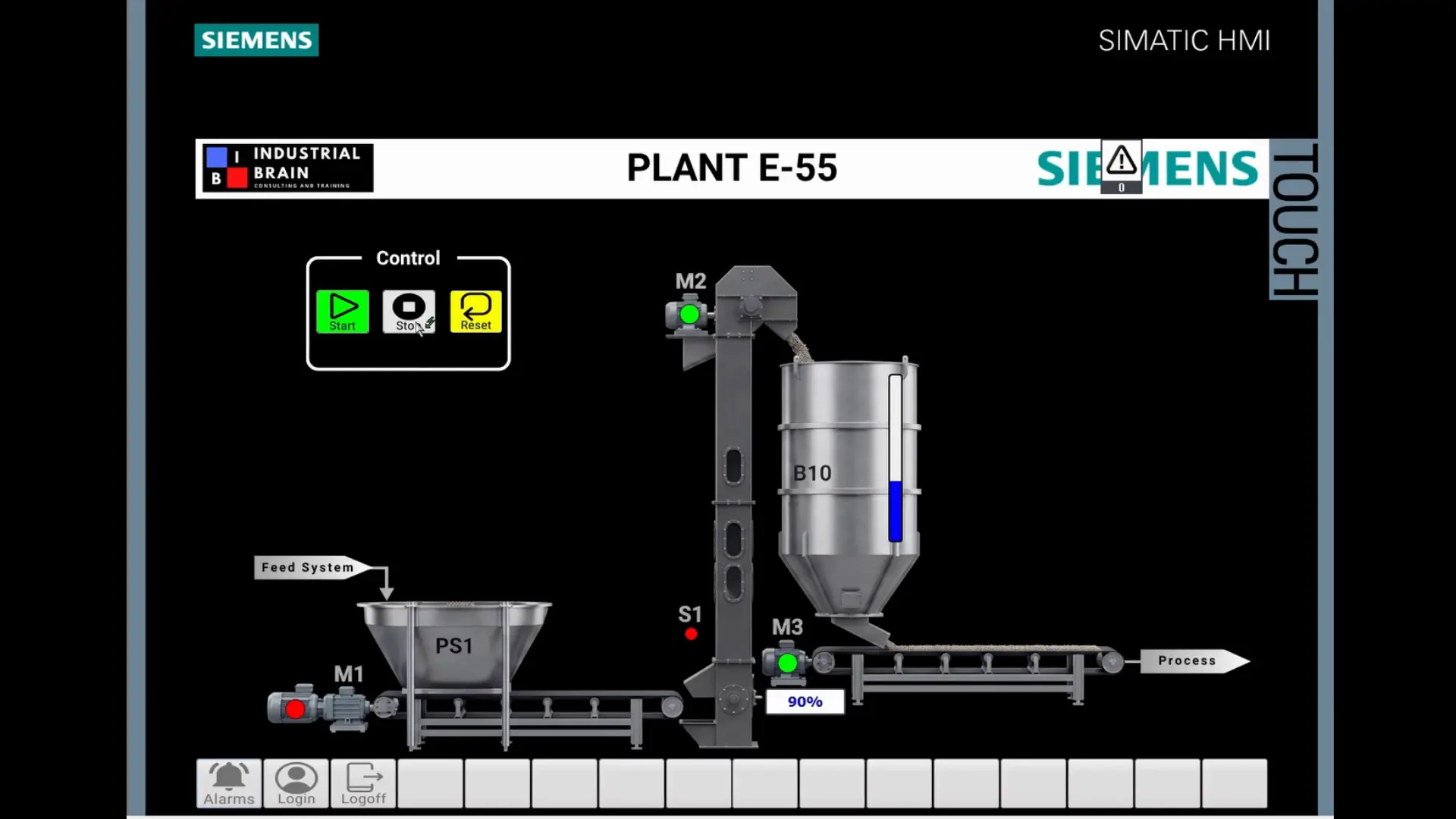
Create operator screens, alarms, trends and user access levels.

Simulation

Develop and test projects using PLCSIM and virtual HMI simulation.

Troubleshooting

Diagnose PLC, HMI and automation problems using practical industrial scenarios.
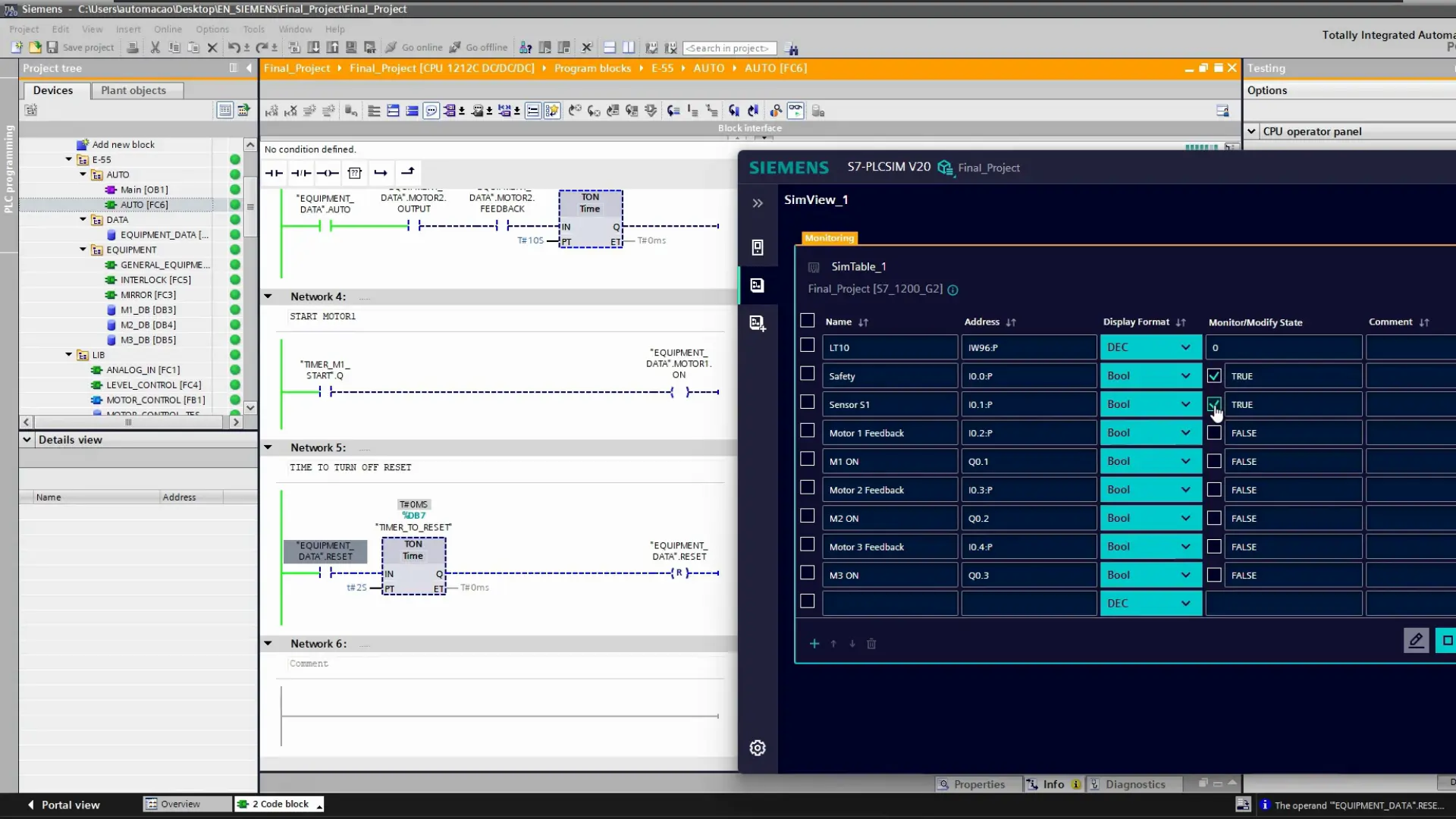
Real Projects. Real TIA Portal.

Real-World Curriculum

Built around practical industrial applications.
πŸ“˜ Mod 1: Hardware & Architecture
  • Understanding PLC instructions: Timers, Counters, and Move;
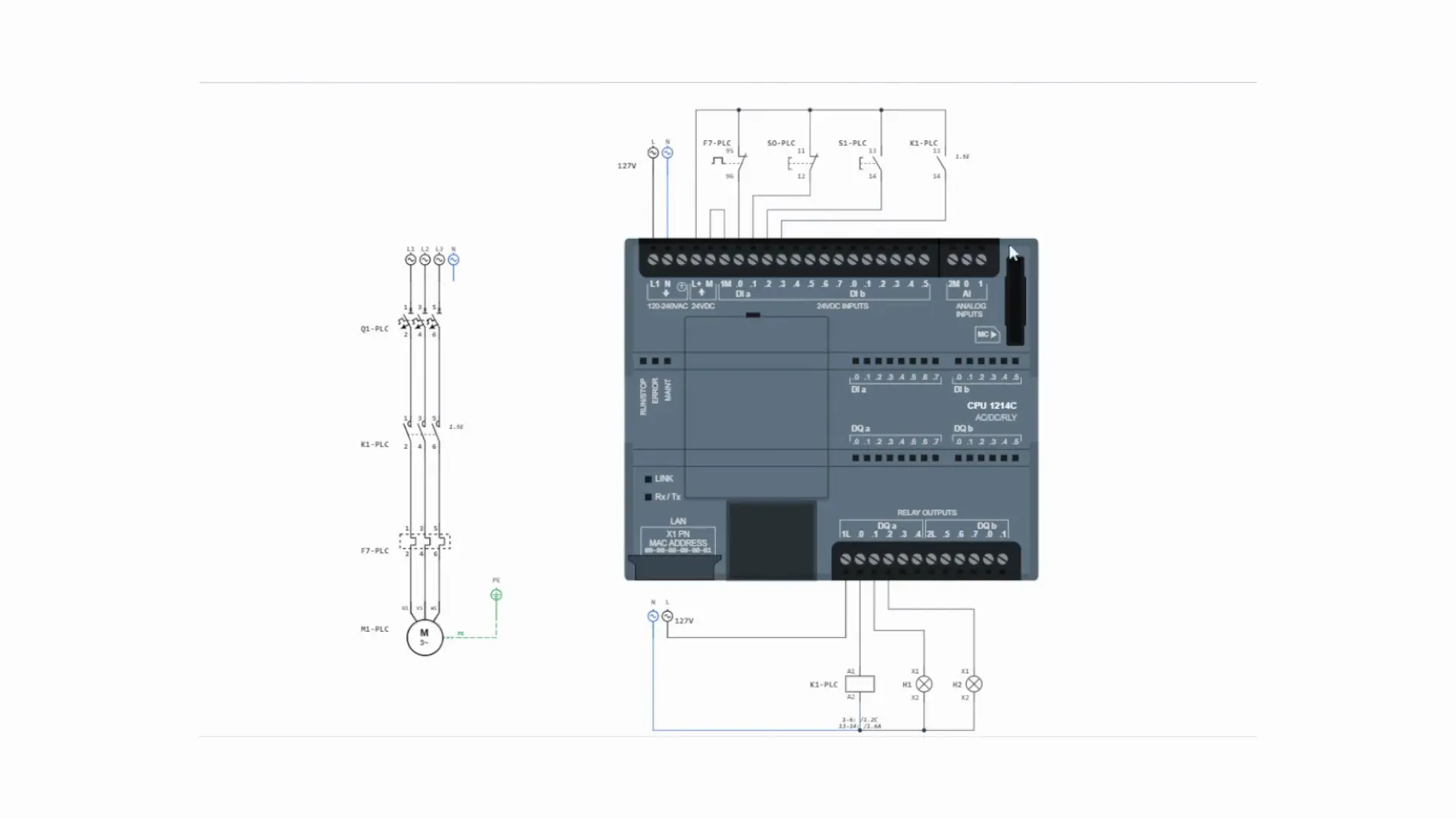
  • Converting an electrical project into a PLC program;
  • Deep dive into Siemens PLC architecture and signals;
  • Understanding memory areas and data types (Bool, Int, Real);
  • Navigating the TIA Portal interface efficiently.
πŸ”§ Mod 2: Maintenance & Diagnostics
  • Reading electrical schematic diagrams and Cross-Reference for fast fault tracing;
  • Advanced CPU diagnostics and Force I/Os;
  • Downloading the project to a real PLC.
πŸ“ Mod 3: Project Development
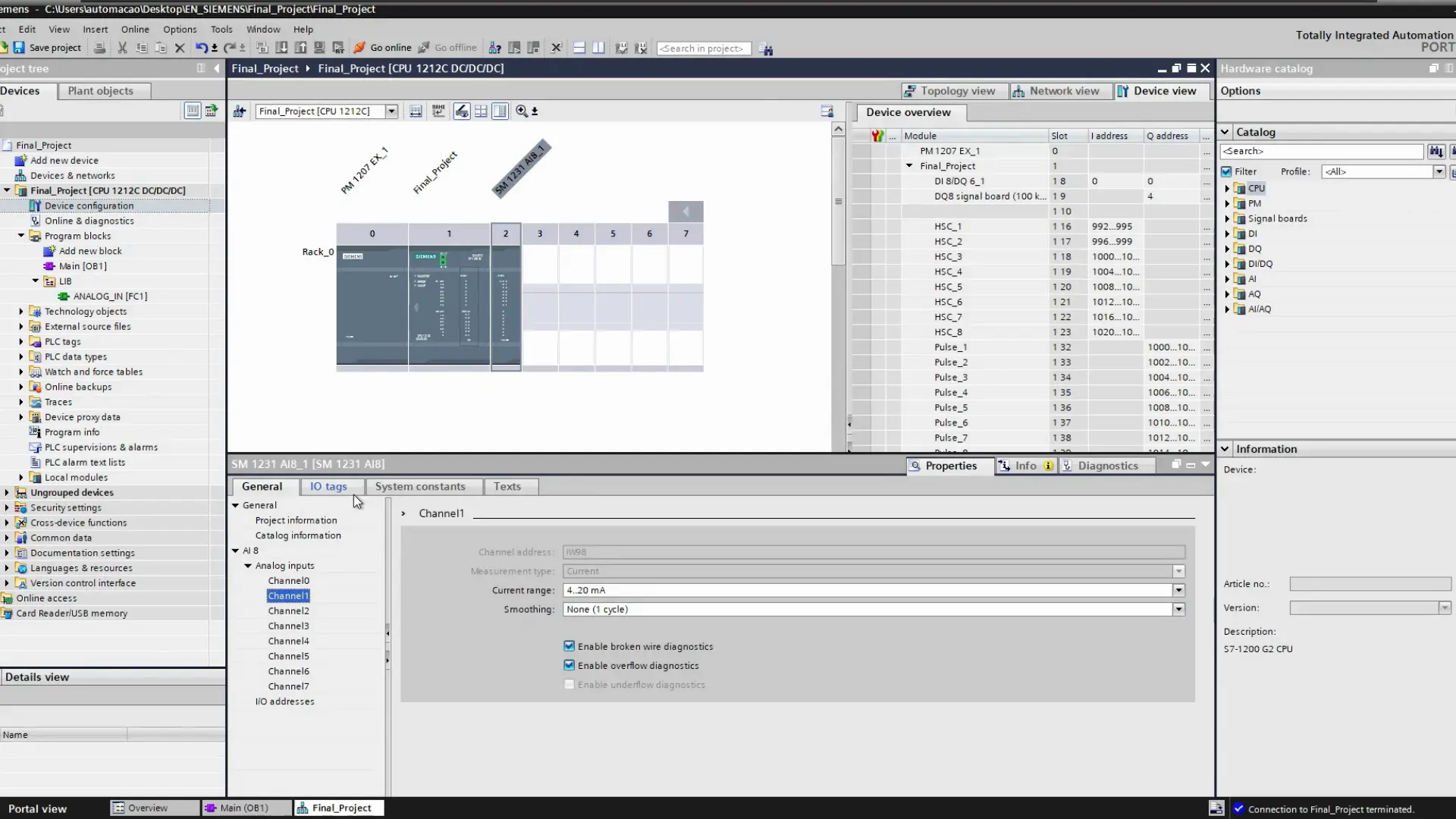
  • PLC project development and hardware configuration;
  • Structuring a professional program (OBs, DBs, FCs, and FBs);
  • Working with analog signals and robust automatic sequences and interlocks;
  • Creating Custom Data Types (UDTs) for reusable code;
  • Best practices for writing clean and documented logic.
πŸ–₯️ Mod 4: HMI Design & Commissioning
  • Overview of HMI systems and the difference between HMI and SCADA;
  • HMI project development and operator-friendly screen design;
  • Navigation logic, critical alarms, and full simulation;
  • Implementing user administration and security levels;
  • Handling historical data and trending graphs;
  • Enabling NFC.

40-Hour Certificate of Completion

  • πŸ† Document your training: Receive a 40-hour certificate issued by IndustrialBrain.
  • πŸ’Ό Strengthen your resume: Document your completion of practical industrial automation training.
  • 🌐 Professional Training: Show your completed training in PLC programming and HMI development.
IndustrialBrain 40-hour course completion certificate

Software used in this course:

Meet Your Instructor

Douglas Silva

Senior Automation Professional

With 23+ years of field experience and an MBA, Douglas specializes in industrial automation, Industry 4.0 and digital transformation. Former Senior Automation Professional at Saint-Gobain and Digital Solutions Architect at BASF. Founder of SPA AutomaΓ§Γ£o, acquired by Avid Solutions Inc., USA.

"I teach what I have used in real industrial projects."
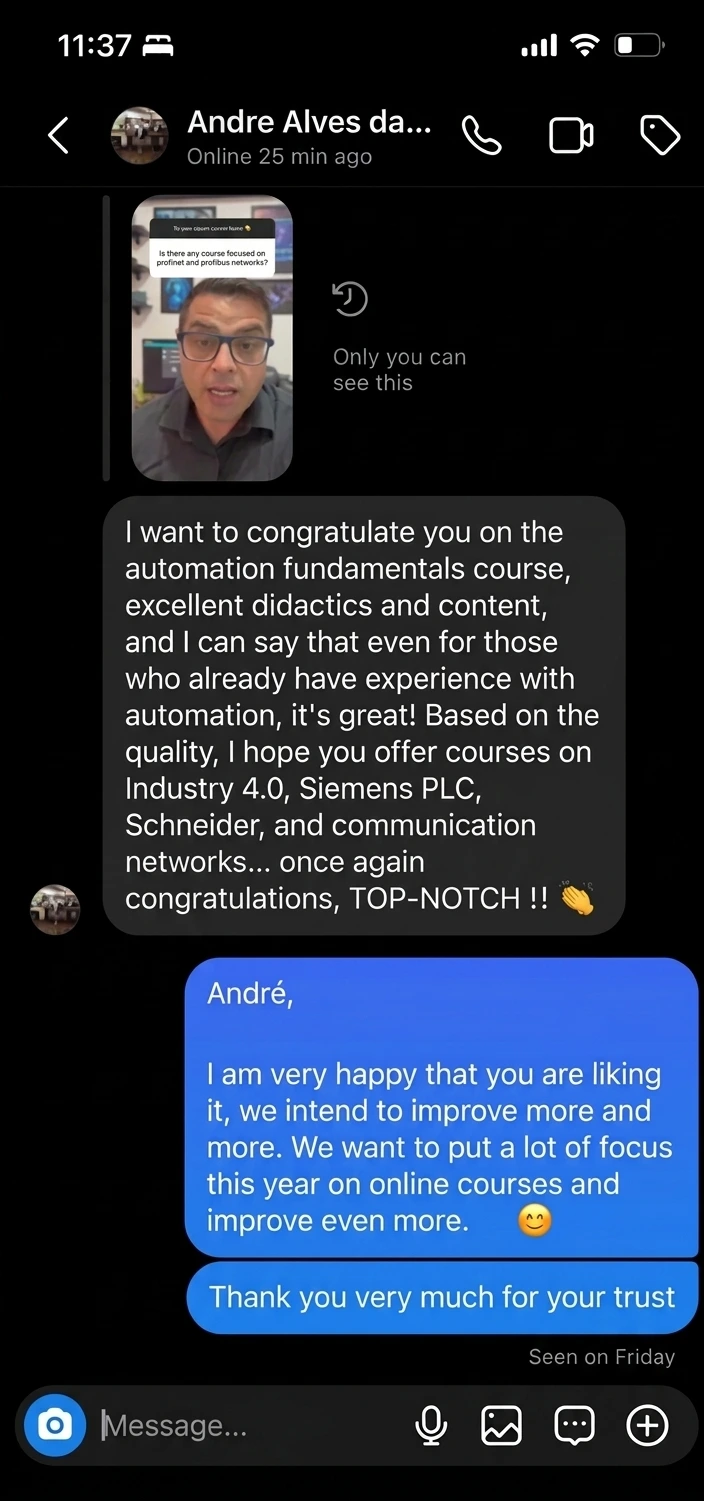
Real Results
What our students are saying

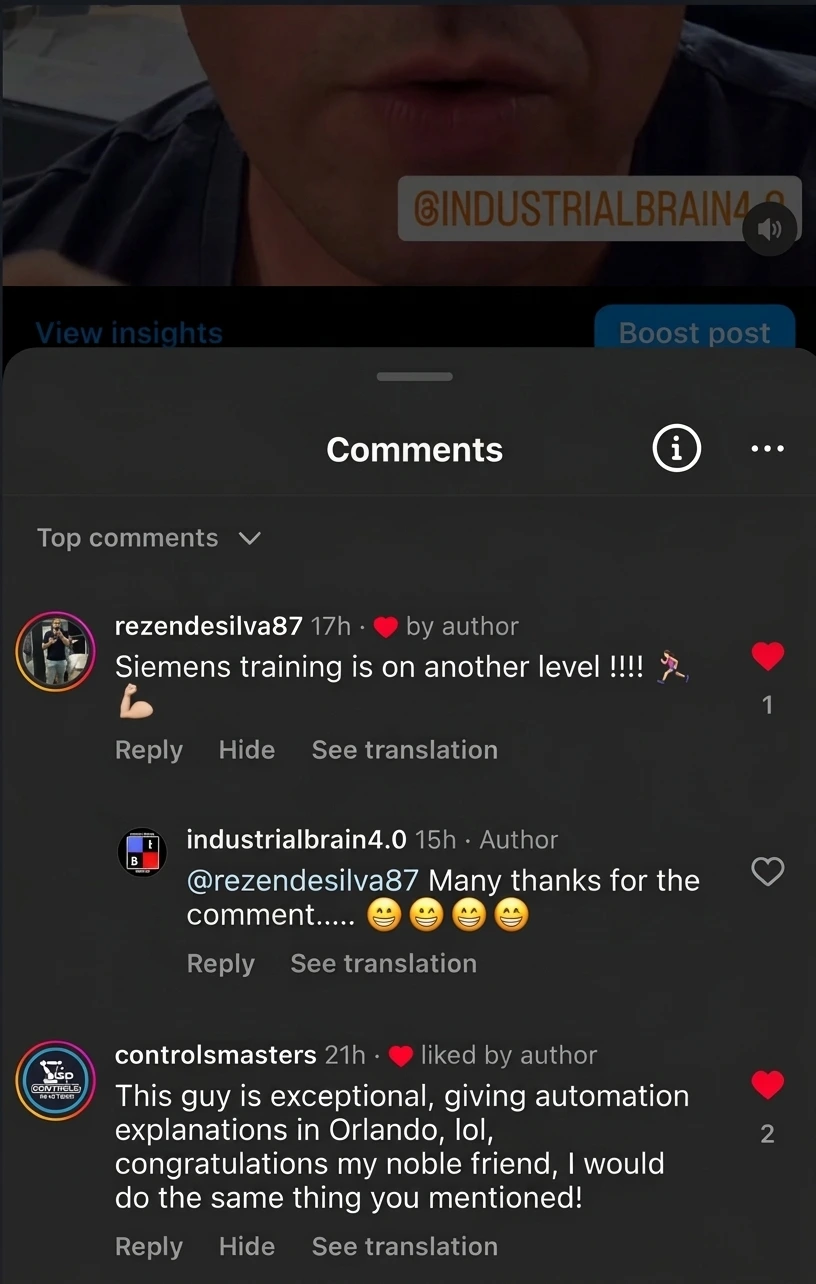
Student testimonial
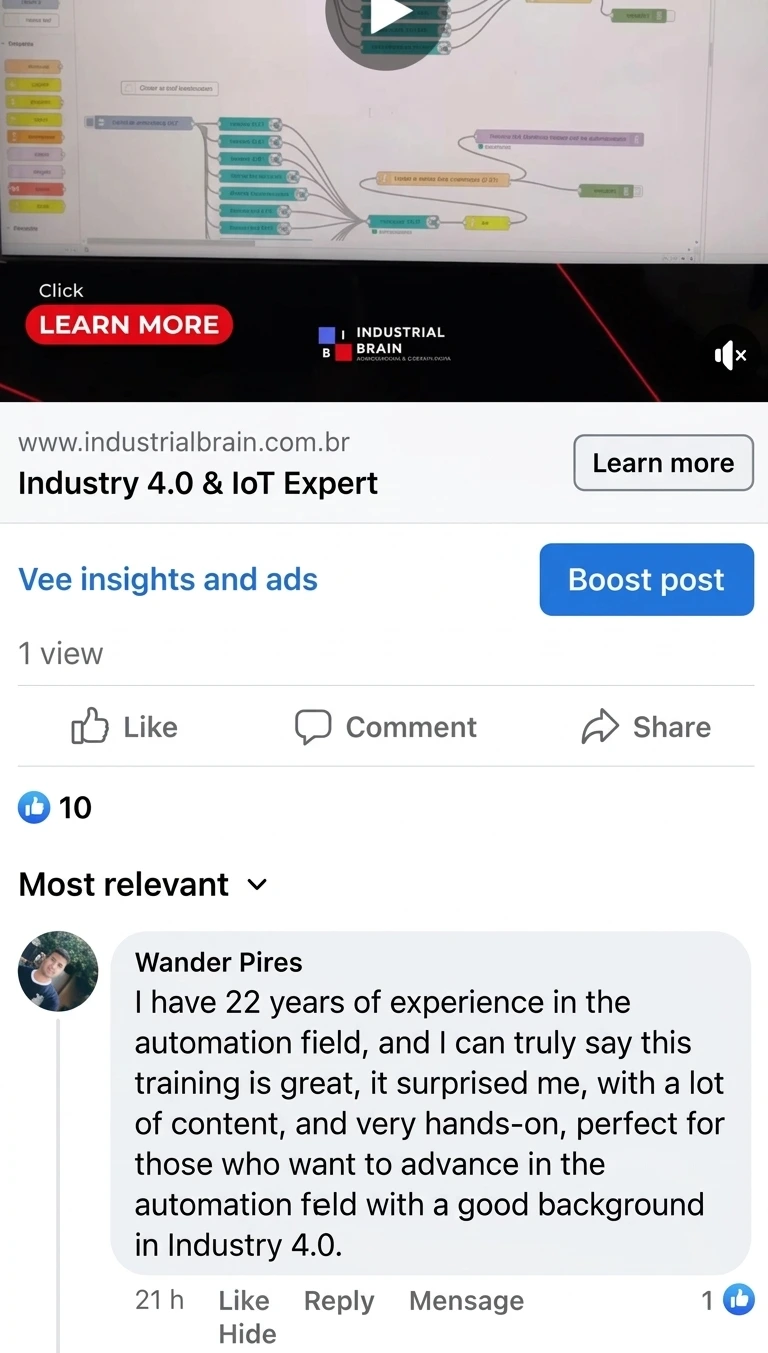
Student testimonial
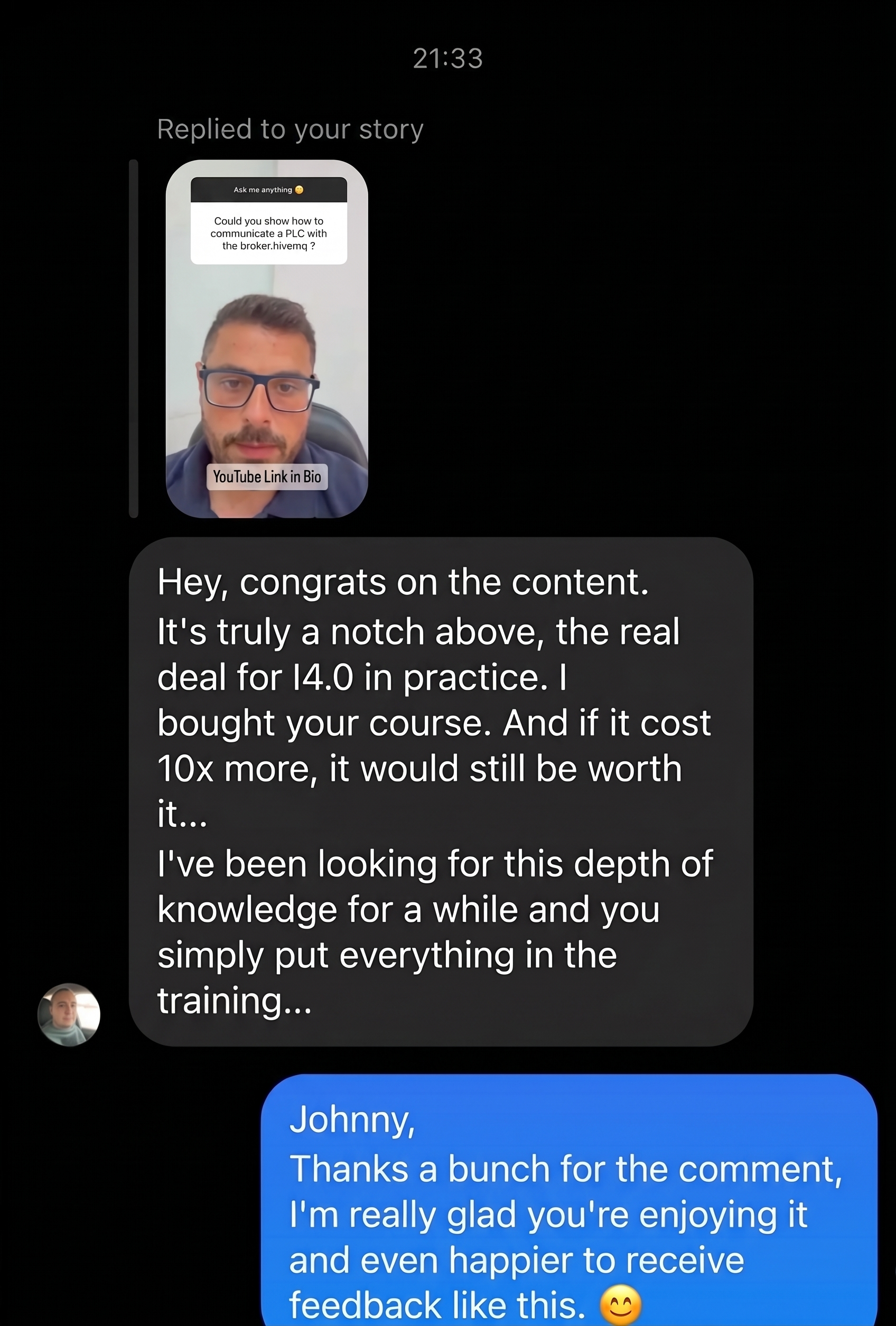
Student testimonial
Student testimonial

Get Full Course Access

Regular Price: $397

$127

One-time payment

⚑ Instant access ⚑

  • πŸ”“ Lifetime Access
  • πŸŽ“ 40-Hour Certificate
  • πŸ‘¨β€πŸ« 1-Year Support
  • πŸ’» TIA Portal V20 + Virtual Machine
  • πŸ‡ΊπŸ‡Έ 100% English
ENROLL NOW

πŸ›‘οΈ Secure Checkout Β· πŸ”’ 7-Day Money-Back Guarantee

Frequently Asked Questions

Is the course taught in English?

Yes. All lessons are recorded in English by an experienced automation professional. There are no dubbed or translated lessons.

Do I need prior PLC experience?

No. The course starts with the fundamentals and progressively takes you through PLC programming, HMI development, simulation and troubleshooting. A basic understanding of electricity is recommended.

Can I take the course without a physical PLC?

Yes. You can develop and test the projects virtually using Siemens PLCSIM and virtual HMI simulation, without needing a physical PLC.

What software is used in the course?

The course uses Siemens TIA Portal V20, including PLC programming, HMI development and simulation. A virtual machine is provided for the course environment.

How does lifetime access work?

You pay once and keep access to the course. You can return to the lessons whenever you need to review a concept or revisit a project.

Is there a money-back guarantee?

Yes. Your purchase is covered by a 7-day money-back guarantee.